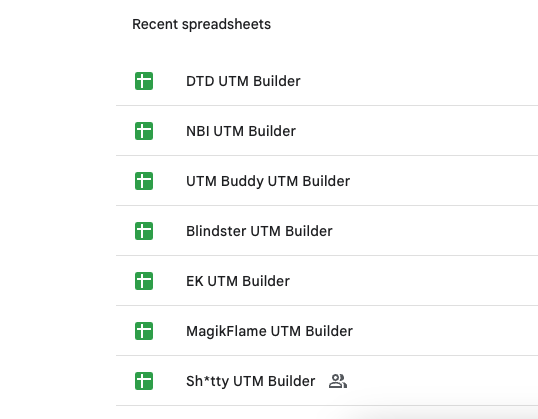
Your spreadsheet UTM Builder sucks.
UTM Buddy is a GA4-focused UTM builder designed to keep campaign tracking and attribution accurate, so your reports stay clean and trustworthy.
UTM Buddy vs. Spreadsheets & Google's URL Builder
Because "good enough" tracking isn't good enough anymore.
If you're serious about GA4 accuracy, attribution, and long-term sanity, here's how your options actually stack up. ↓
| Feature | UTM Buddy | Spreadsheets | Google URL Builder |
|---|---|---|---|
| Built specifically for GA4 | ✓ Yes | ✗ No | ✗ No |
| Prevents broken / inconsistent UTMs | ✓ Guardrails + validation | ✗ Manual & error-prone | ✗ No validation |
| Enforces proper syntax & naming conventions | ✓ Always | ✗ Depends on humans | ✗ No |
| Scales across teams & clients | ✓ Easily | ✗ Becomes chaos fast | ✗ Not designed for teams |
| Keeps historical UTMs organized | ✓ Centralized | ✗ Version hell | ✗ No history |
| Reduces attribution errors | ✓ Proactively | ✗ Reactive cleanup | ✗ Doesn't try |
| Built for modern paid + lifecycle marketing | ✓ Yes | ✗ Barely | ✗ Nope |
| "Did this just break GA4 reports?" anxiety | ✗ Gone | ✓ Constant | ✓ Constant |
Catch Errors Before They Cost You Insights & Standardize UTM Creation for Insightful Google Analytics Reports!
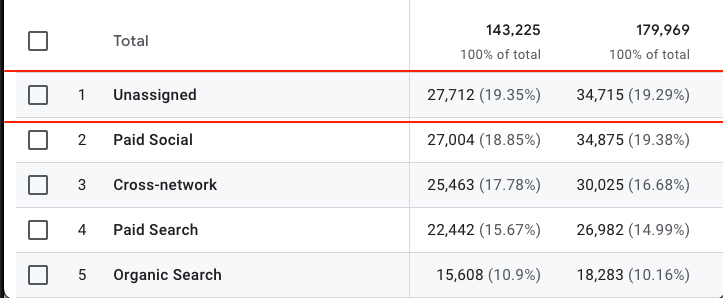
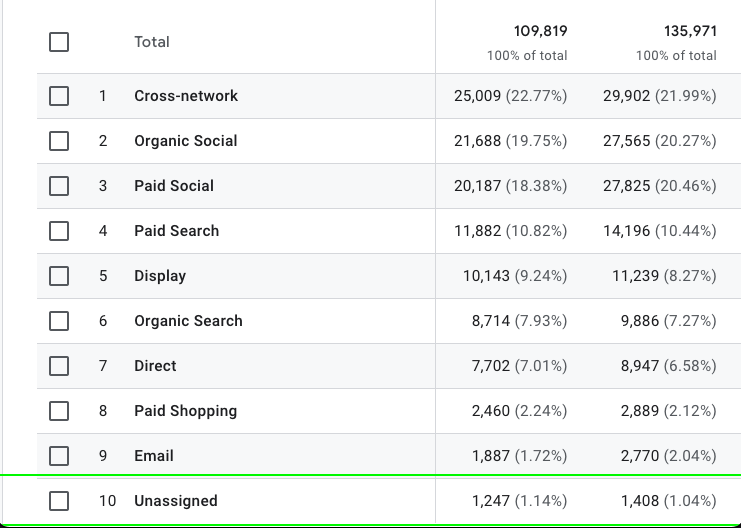
Turn "Unassigned" Into Insight
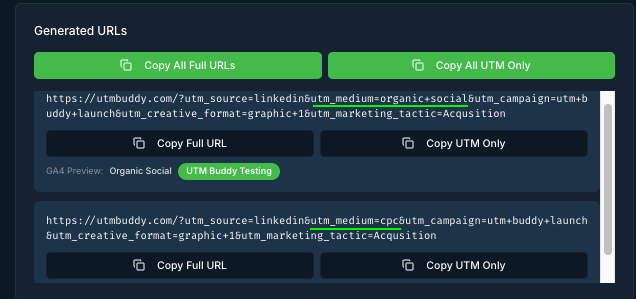
GA4 Preview shows you exactly how each UTM will be classified before you launch—so you can fix tags that would land in "Unassigned" and make sure every click rolls up to the right GA4 channel.
Prevent Syntax Errors
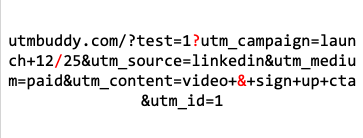
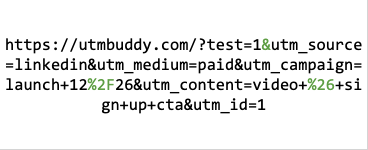
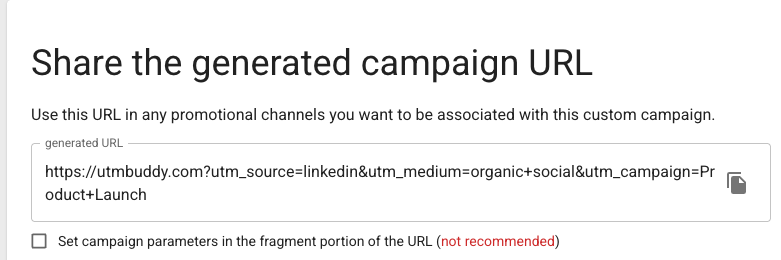
UTM Buddy automatically encodes and appends parameters the right way—handling question marks, ampersands, and existing query strings—so your link & tracking quality is preserved.
Create UTMs Faster
Use templates and multi-link building to spin up dozens of perfectly structured URLs in seconds. You get the speed of bulk creation with the consistency and naming standards of your best manual work.
Organize & Standardize UTMs Across Brands, Projects, or Clients
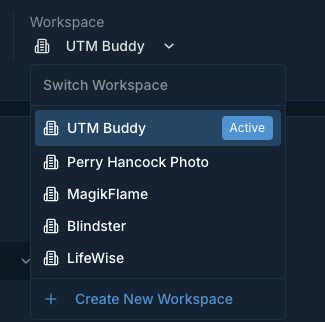
Workspaces (on Pro & Pro+ plans) give each brand or client their own dedicated space with shared templates and parameters—keeping campaigns organized, data clean, and contexts clearly separated without scattering your efforts across dozens of spreadsheets.
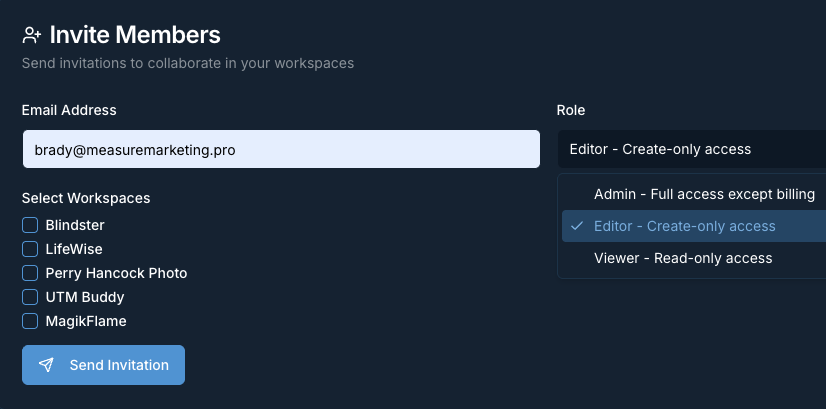
Assign User Roles for Governance
Role-based access makes cross-team collaboration worry-free: let anyone build links while only trusted owners can change templates, parameters, or naming conventions.
Ready to take control of your campaign tracking?
Join the teams who are building better links with UTM Buddy.
Get Started Now